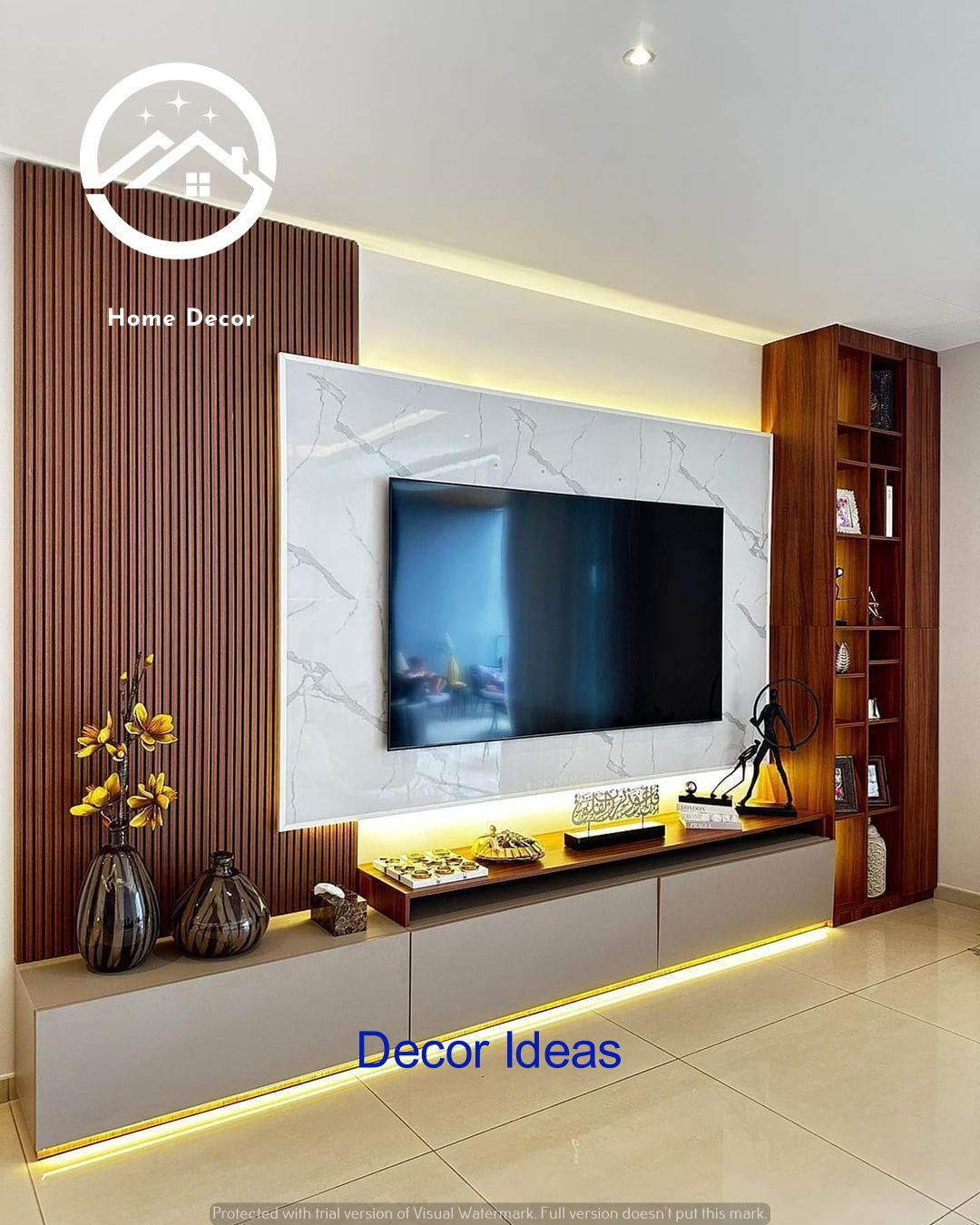
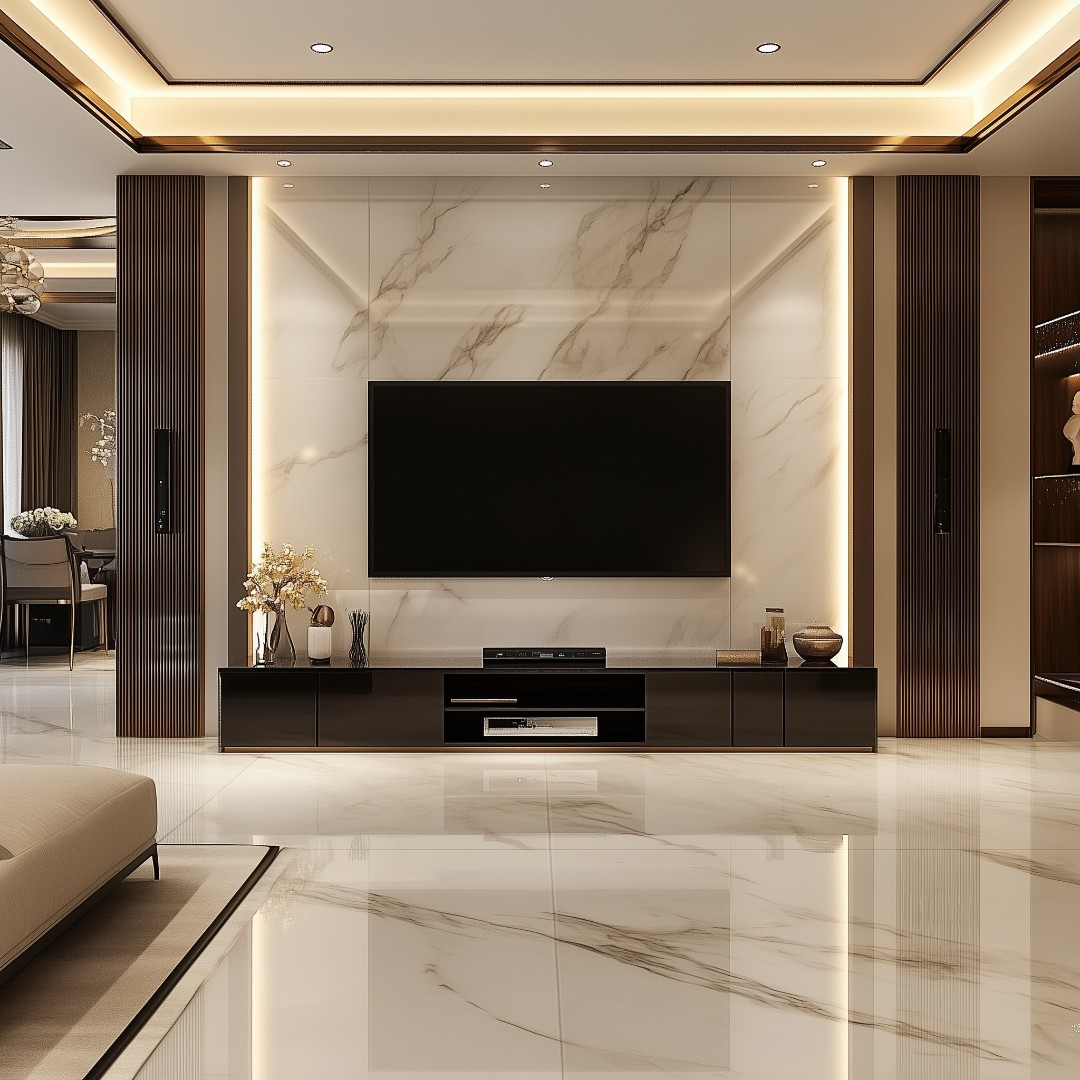
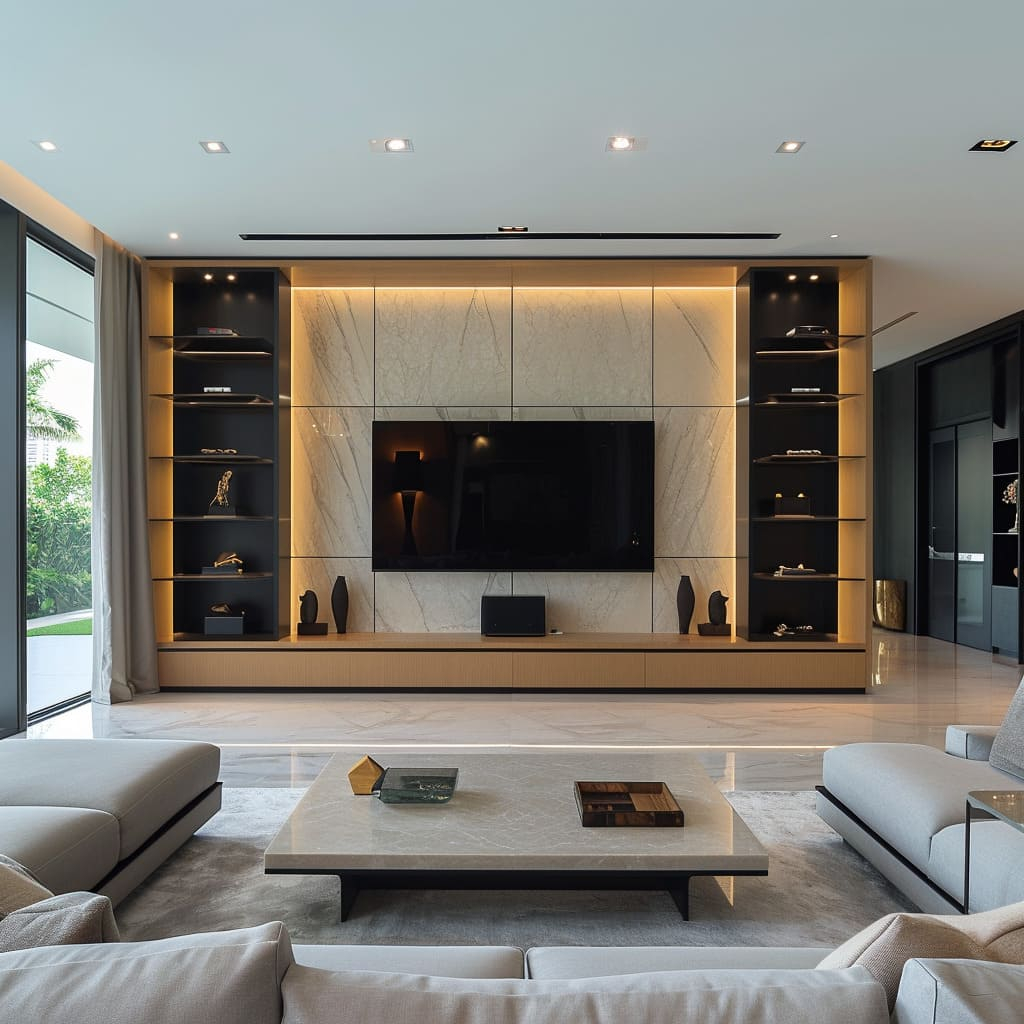
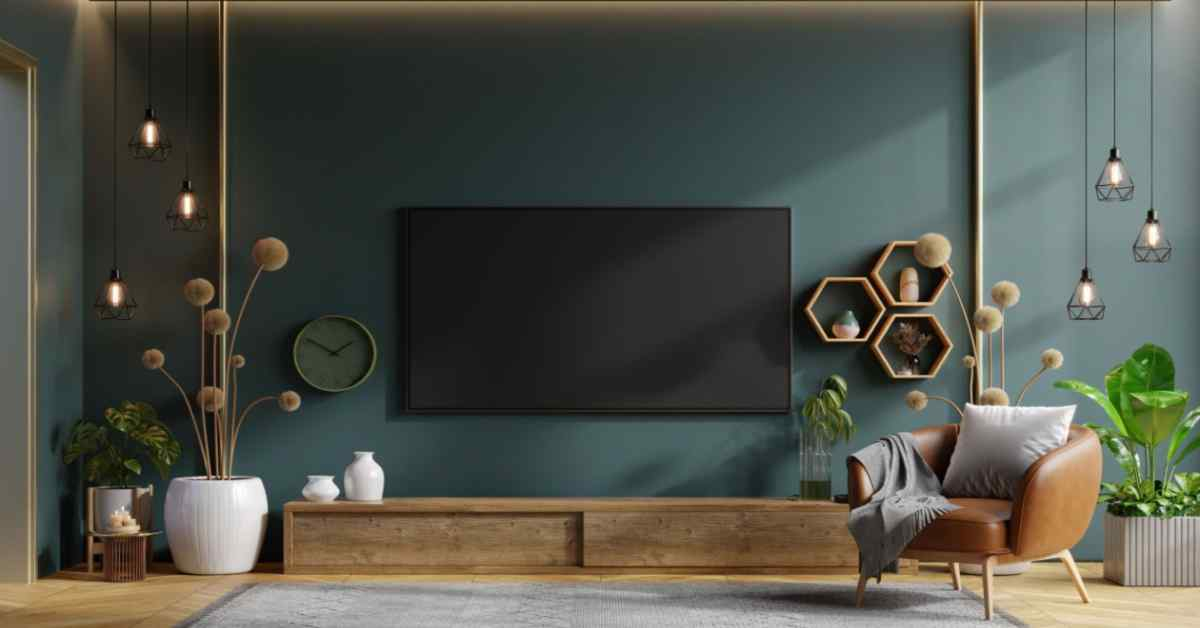
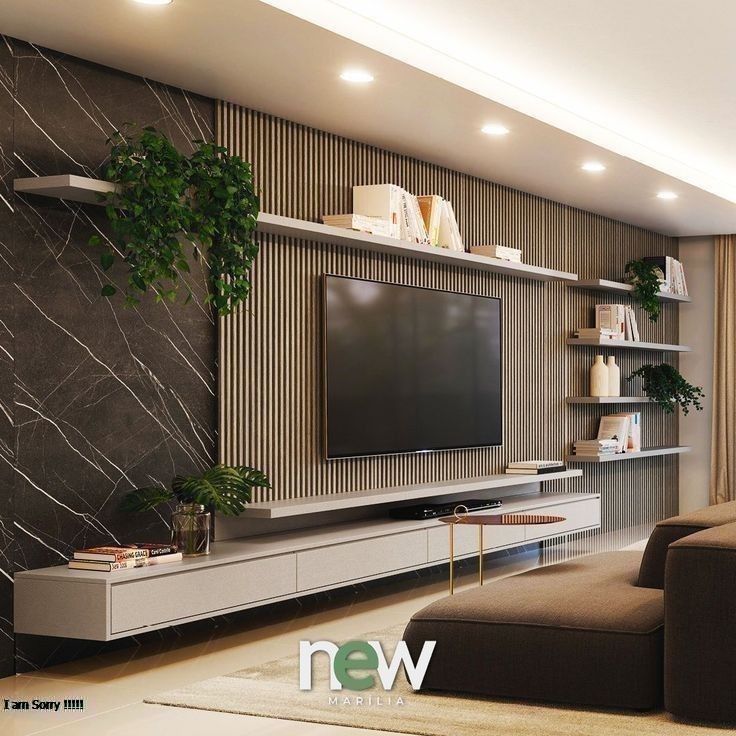
Ever sat down for a movie night only to realize your neck is craning upward like a confused giraffe? Or maybe you’ve squinted at the screen, trying to make out details because the couch feels miles away from the wall. It’s a common struggle. We spend so much time picking the perfect TV—checking refresh rates, HDR capabilities, and smart features—that we often forget the most critical part of the equation: where it actually goes. In 2026, with screens getting bigger and our homes becoming more multi-functional, getting this right isn’t just about looks. It’s about comfort, health, and truly enjoying the content we love.
The days of mounting a TV high above the fireplace as a default rule are fading. Sure, it looked sleek in magazine photos from ten years ago, but anyone who’s tried to watch a two-hour drama with their head tilted back knows the pain. Today, we know better. We understand that the relationship between your eyes, your seat, and the screen is delicate. Get it wrong, and you get eye strain or a sore neck. Get it right, and the TV seems to disappear, leaving only the story. Let’s dive into how you can find that perfect balance in your own space.
The Golden Rule of Eye Level
Let’s start with the basics, because they still matter more than any fancy new tech trend. The center of your television screen should be at, or slightly below, your eye level when you are seated. That’s it. That’s the golden rule. When you’re sitting on your primary viewing spot—usually the sofa—your eyes should hit the middle of the screen without you having to tilt your head up or down. Why? Because our necks are designed to look straight ahead or slightly down. Looking up for extended periods causes tension in the cervical spine. It’s simple biology.
In 2026, average seating heights haven’t changed much, but TV sizes have. A 65-inch screen is now considered standard for many living rooms, and 75-inchers are common. This means the physical height of the TV is larger, so the "center" point moves. If you mount a huge TV too high, the bottom edge might still be above eye level, forcing that uncomfortable upward gaze. Measure from the floor to your eyes while sitting comfortably. Let’s say it’s 42 inches. Then, measure half the height of your TV. If your TV is 36 inches tall, the center is 18 inches from the bottom. So, the bottom of your TV should be mounted at 24 inches from the floor (42 minus 18). It sounds like math class, but it saves your neck.
Of course, life isn’t always perfectly symmetrical. Maybe you have a high-back chair or a low-slung modern sectional. Adjust accordingly. The goal is neutral posture. If you find yourself slouching to see better, the TV is likely too high. If you’re leaning forward, it might be too low or too far. Take a moment to sit in your usual spot before you drill any holes. Use painter’s tape to mark the corners of the TV on the wall. Live with it for a day. Watch some news, check your phone, look around. Does it feel natural? If yes, you’re on the right track. If not, move the tape. It’s way easier than patching drywall later.
Calculating the Perfect Viewing Distance
Distance is the other half of the puzzle. How far should you sit? Old advice said you should sit three times the diagonal screen size away. That was for bulky CRT TVs with lower resolution. Today, with 4K and even 8K screens being the norm in 2026, you can sit closer without seeing individual pixels. In fact, sitting too far away means you miss out on the detail you paid extra for. The general consensus now is that for 4K TVs, the ideal distance is between 1 to 1.5 times the diagonal screen size.
Let’s break that down with real numbers. If you have a 65-inch TV, multiply 65 by 1.2 (a good middle ground). That gives you 78 inches, or about 6.5 feet. So, your couch should be roughly 6 to 8 feet away from the screen. For a massive 85-inch model, you’re looking at 8.5 to 12.5 feet. This range ensures the screen fills your field of view enough to be immersive but not so much that you have to turn your head to see the edges. Immersion is key. You want to feel inside the action, not like you’re watching a postage stamp from across the room.
But here’s the thing: rules are guidelines, not laws. Room layout plays a huge role. Maybe your living room is narrow, and the only place for the couch is 10 feet away, even though you have a 75-inch TV. That’s fine. It might be slightly farther than the "ideal," but it’s still within a comfortable range. What matters more is consistency. Don’t put the TV in a corner where one side of the couch is 5 feet away and the other is 12 feet. That creates an uneven experience for everyone. Try to center the viewing area. And remember, if you have a mixed-use room—like a kitchen-living combo—you might need to compromise. Prioritize the spot where you’ll spend the most time relaxing.
The Fireplace Dilemma: To Mount or Not to Mount?
Ah, the fireplace. The elephant in the room. Or rather, the heat source below the screen. For decades, mounting TVs above fireplaces was the go-to design choice. It saved space and created a focal point. But in 2026, we’re rethinking this. First, there’s the heat issue. Even with electric fireplaces that run cool, the placement is often too high. As we discussed, eye level is crucial. Above a mantel, the center of the TV is usually well above eye level, leading to that dreaded "tennis neck" where you’re constantly looking up. It’s uncomfortable and unsustainable for long viewing sessions.
Second, there’s the aesthetic shift. Modern interior design in 2026 favors clean lines and balanced proportions. A giant black rectangle hovering over a fireplace can look top-heavy and disjointed. Instead, many designers are suggesting alternative placements. Consider mounting the TV on a perpendicular wall. This keeps the fireplace as a standalone architectural feature and gives the TV its own dedicated zone. It also allows for better sound dispersion, especially if you’re using a soundbar that needs to bounce audio off walls or ceilings.
If you absolutely must mount above the fireplace—maybe it’s the only wall available—there are ways to mitigate the issues. Use a tilting mount that angles the screen downward toward the viewer. This helps align the picture with your line of sight, even if the physical position is high. Also, ensure there’s adequate ventilation. Heat rises, and electronics hate heat. Leave a gap between the TV and the mantel, and consider using a mantle deflector if you have a real wood-burning fire. But honestly? If you can avoid it, do. Your neck will thank you, and your living room will feel more balanced.
Room Layout and Furniture Flow
Your TV doesn’t exist in a vacuum. It’s part of a larger ecosystem of furniture, light, and movement. When choosing height and distance, think about the whole room. Where do the windows fall? Glare is the enemy of good viewing. If your TV is opposite a large window, you’ll battle reflections all day. In 2026, many new TVs have anti-glare coatings, but they aren’t magic. Position the TV on a wall perpendicular to windows if possible. This minimizes direct light hitting the screen. If that’s not an option, invest in good blackout curtains or blinds. They’re a game-changer for daytime viewing.
Furniture arrangement also dictates viewing angles. Ideally, everyone should have a clear line of sight. Avoid placing the TV in a corner where viewers on one end of the couch have to twist their bodies uncomfortably. The "viewing cone" should be wide enough to accommodate all seats. A good rule of thumb is that the outermost seats shouldn’t be more than 30 degrees off-center from the TV. Beyond that, color and contrast start to degrade, especially on OLED screens which have narrower optimal viewing angles than LED/LCD models. Check your TV’s specs, but generally, keep the seating arrangement fairly centered.
Don’t forget about traffic flow. Can people walk behind the couch without blocking the screen? Is there enough space to get up and grab a snack without kicking the coffee table? In smaller apartments, which are increasingly common in urban areas in 2026, multi-functional furniture is key. Consider a media console that doubles as storage, or a swivel mount that allows the TV to turn toward the dining area during meals. Flexibility is important. The best setup is one that adapts to your life, not one that forces you to adapt to it. Think about how you actually use the space, not just how it looks in a staged photo.
Tech Innovations Shaping Placement in 2026
Technology isn’t standing still, and neither are TV designs. In 2026, we’re seeing more flexible options that change how we think about placement. Transparent OLED screens are becoming more affordable and mainstream. These TVs can blend into the background when turned off, looking like glass panels. This reduces the visual weight of the TV, making it less obtrusive even if it’s prominently placed. It allows for more creative positioning, like in front of a window or as a room divider, without dominating the space.
Sound technology is also influencing placement. With the rise of object-based audio and advanced soundbars that use beamforming to direct sound, you don’t always need speakers right next to the TV. Some 2026 models even have built-in acoustic surfaces that vibrate the screen itself to produce sound. This means you have more freedom with where you place audio equipment. You’re not tethered to a specific spot for optimal sound. This decoupling of audio and video allows for cleaner installations and more flexible furniture arrangements. You can mount the TV higher if needed for aesthetics, knowing the sound can still be directed effectively to your seating area.
Also, consider smart calibration tools. Many new TVs come with apps that use your phone’s camera to analyze the room’s lighting and acoustics. They can suggest optimal settings and even warn you if your viewing angle is too extreme. Some mounts now have motorized adjustments, allowing you to lower or raise the TV with a remote. Imagine watching a movie at eye level, then raising the TV to clear a view for a party. It’s futuristic, but it’s here. These innovations give you more control, but the fundamental principles of ergonomics remain. Tech enhances the experience, but it doesn’t replace the need for thoughtful placement.
Even with all this info, mistakes happen. One of the most common errors is mounting the TV too high. It’s often done to hide cables or because the wall outlet is high up. Don’t let convenience dictate comfort. Use cable management channels or in-wall kits to hide wires properly. It takes a bit more effort during installation, but it’s worth it. Another mistake is ignoring the viewing environment. Placing a bright, glossy TV in a sun-drenched room without considering glare is a recipe for frustration. Test the lighting at different times of day before finalizing the spot.
Another pitfall is buying a TV that’s too big or too small for the space. While bigger is often better, there’s a limit. A 100-inch TV in a tiny bedroom will feel overwhelming and cause eye fatigue because you’re taking in too much visual information at once. Conversely, a 40-inch TV in a large open-plan living room will look lost and fail to provide an immersive experience. Use the distance guidelines we discussed, but also trust your eyes. Stand in the room. Does the screen feel proportional? Does it command attention without dominating? Balance is key.
Finally, don’t forget about future-proofing. Maybe you plan to upgrade your sound system or add gaming consoles. Leave enough space around the TV for ventilation and future additions. Ensure your mount is rated for the weight of your current TV and potentially heavier models if you upgrade. Check the VESA pattern compatibility. It’s boring stuff, but it prevents headaches later. And please, use a stud finder. Anchoring a heavy TV into drywall alone is a disaster waiting to happen. Take the time to do it right. Safety first, always.
Getting your TV height and distance right is less about rigid rules and more about understanding your own comfort and space. It’s a personal journey. What works for your friend’s loft might not work for your cozy suburban living room. The key is to prioritize ergonomics, consider the room’s unique characteristics, and embrace the flexibility that modern tech offers. Take your time. Measure twice, drill once. Test different positions with tape. Involve your family in the decision. After all, it’s a shared space.
In 2026, we have more tools and knowledge than ever to create the perfect viewing experience. From anti-glare screens to motorized mounts, the options are vast. But at the heart of it all is the simple human desire to relax and enjoy a good story without physical discomfort. By focusing on eye level, appropriate distance, and thoughtful room integration, you’ll create a setup that feels effortless. It won’t just look good; it will feel good. And isn’t that what home entertainment is really about?
So go ahead. Grab that tape measure. Sit on your couch. Imagine the screen. Find that sweet spot where technology meets comfort. Your neck, your eyes, and your weekend binge-watching sessions will all be better for it. Happy viewing.